Description
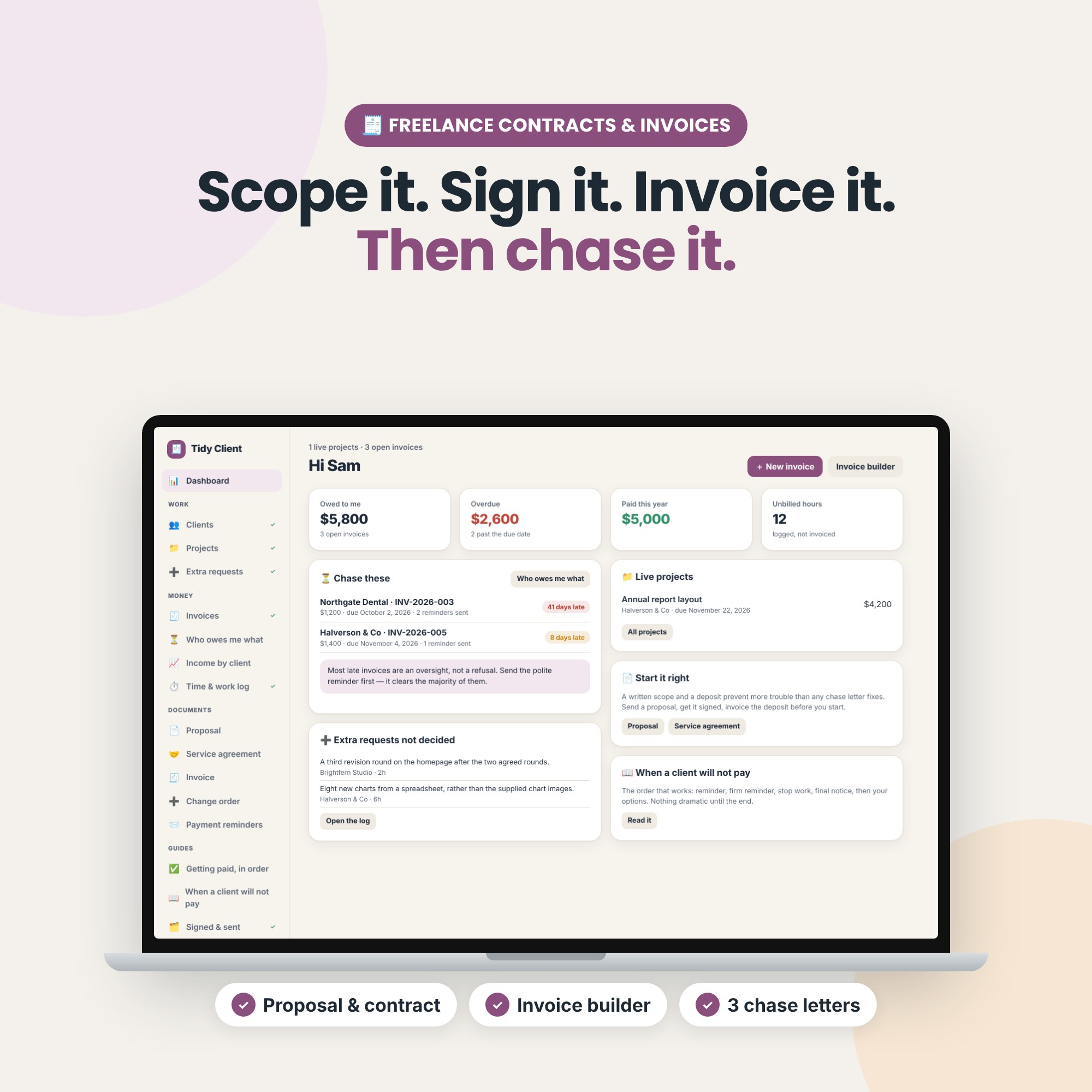
The business half of freelancing, in one file. Write the scope down, get it signed, send a real invoice, and chase the ones that go quiet — without a monthly fee and without handing a percentage to anyone.
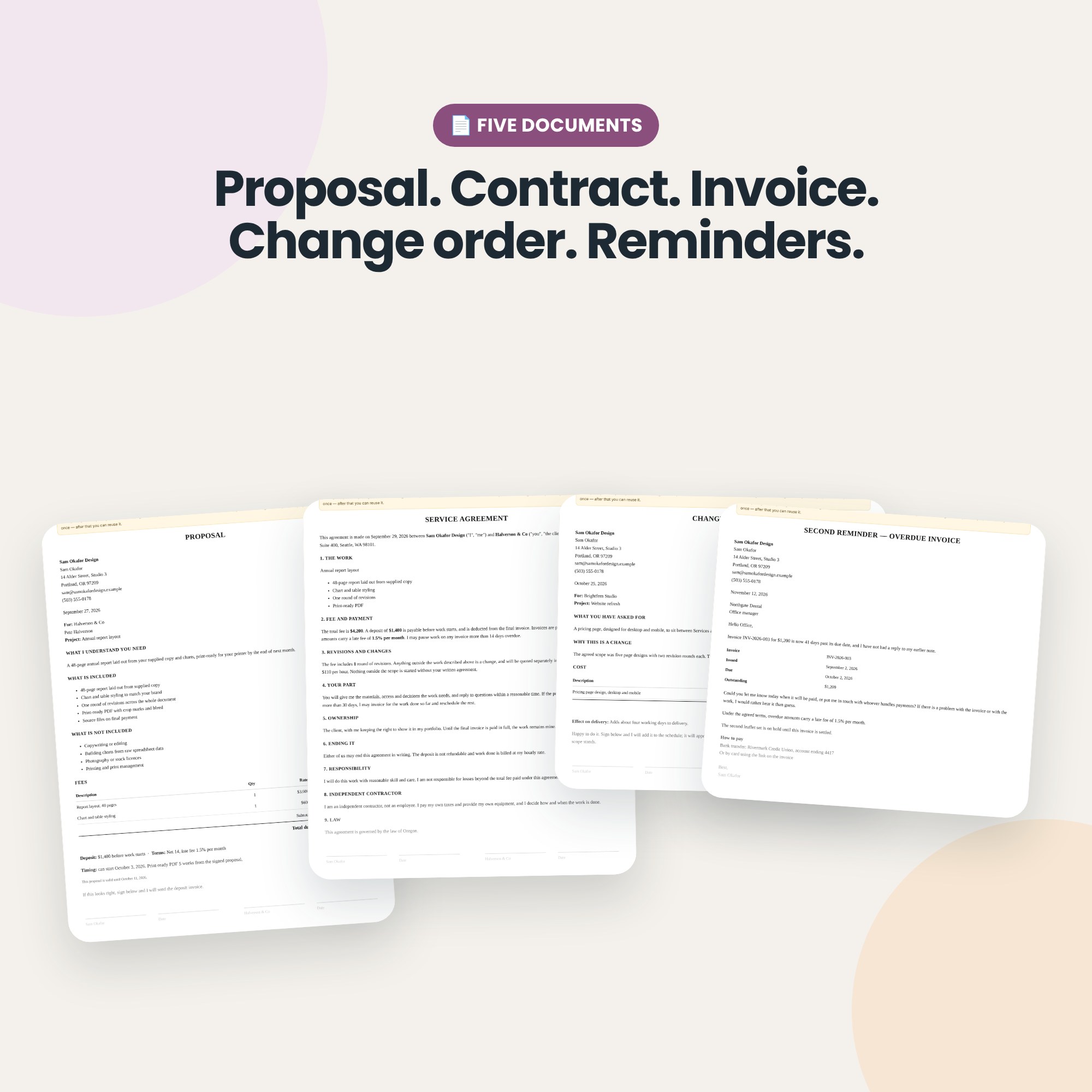
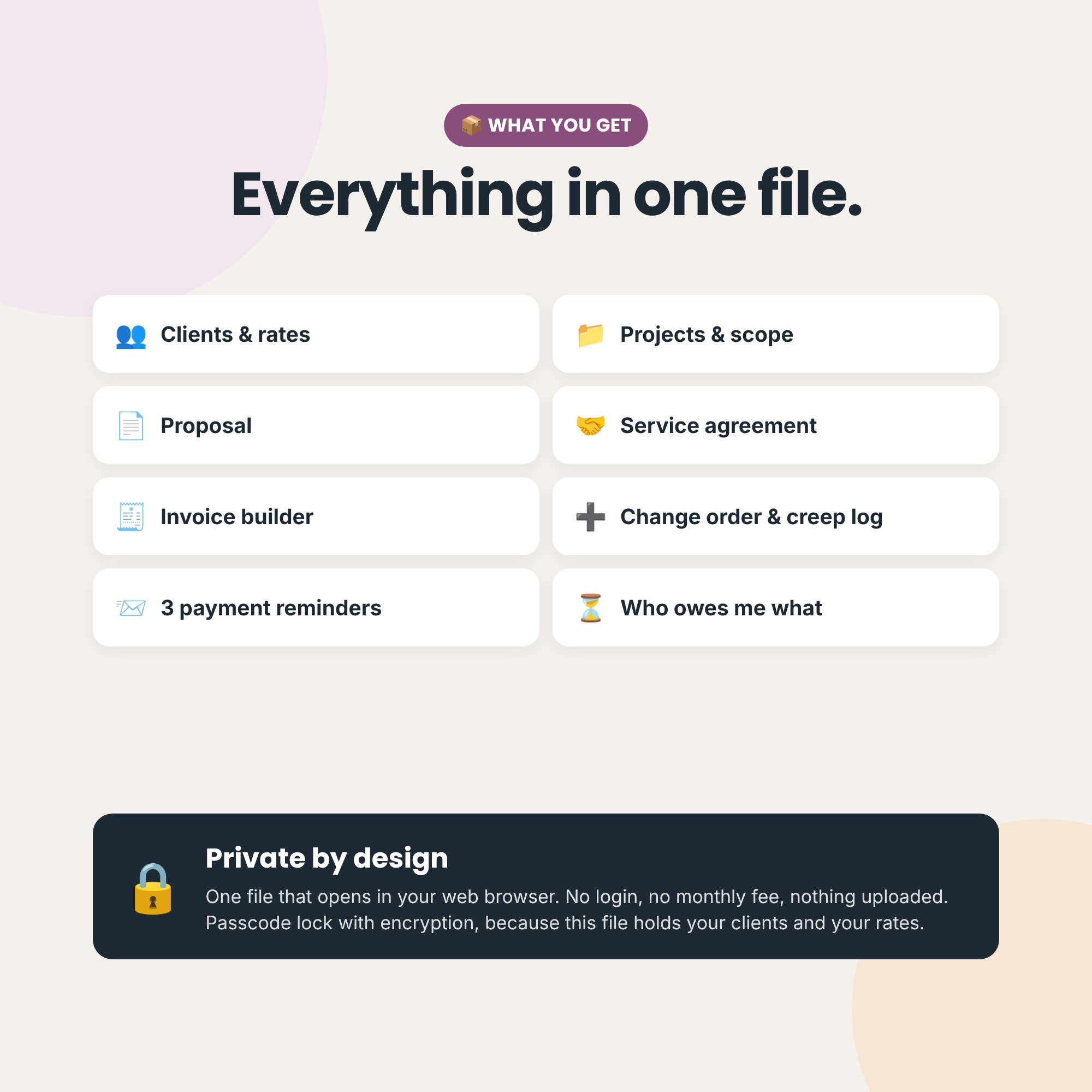
📄 Five documents that fill themselves in
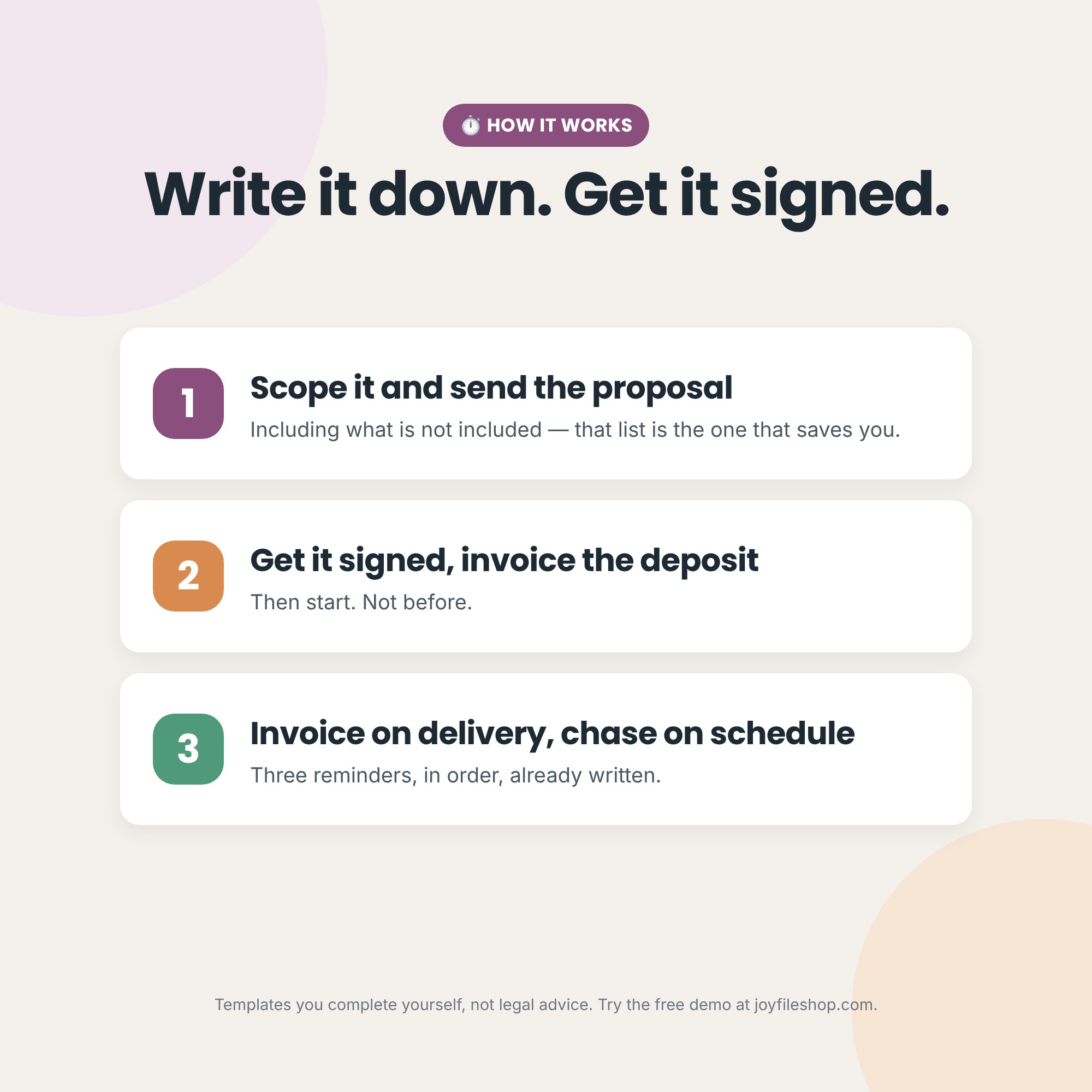
- Proposal — what is included, what is not included, the fee, the deposit and your terms. Signed, it is usually a contract.
- Service agreement — a short plain-English contract covering payment, revisions, ownership, cancellation and who can end it. Short enough that a client will actually read it.
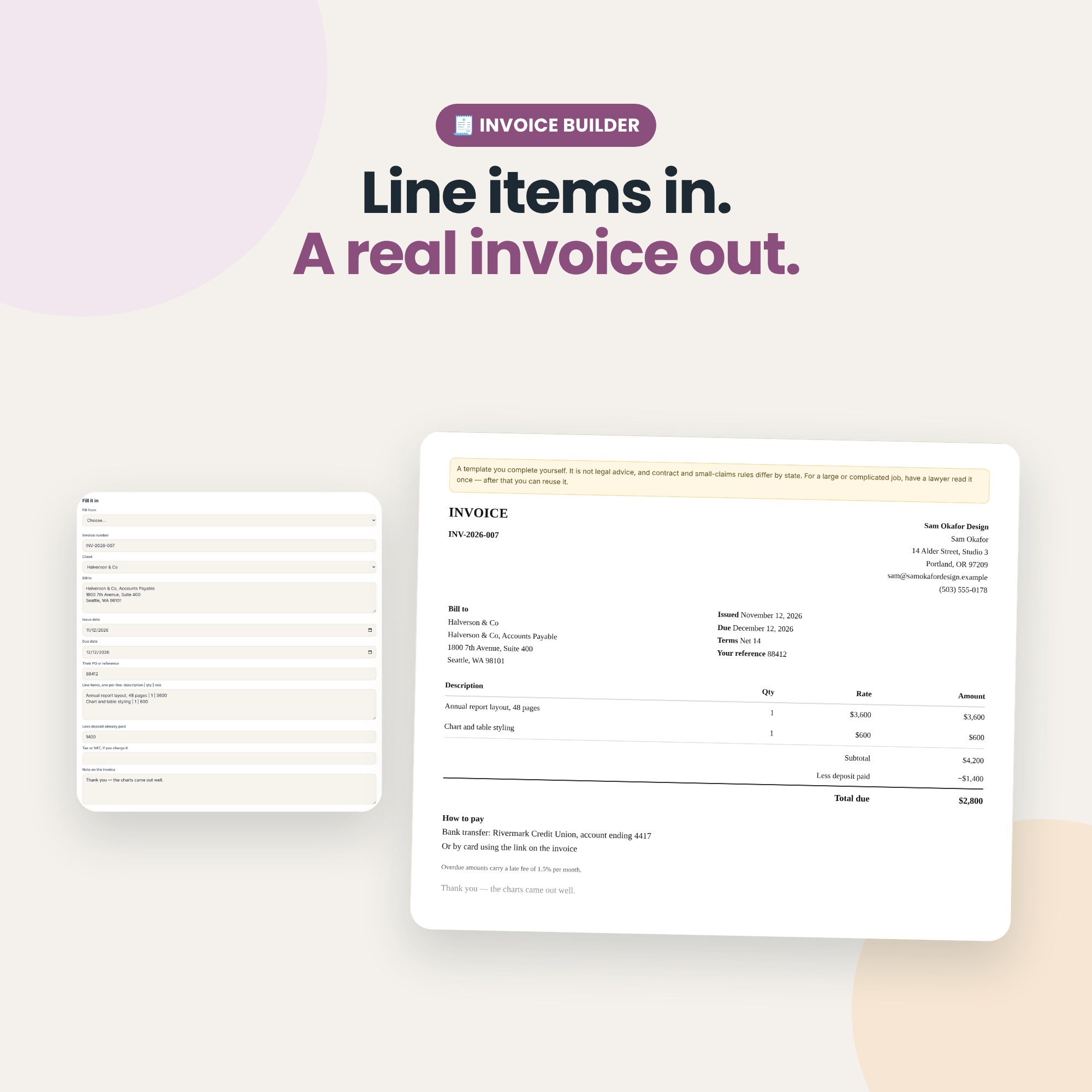
- Invoice builder — line items in, a real invoice out, with subtotal, deposit deduction and total worked out. Press Log it and the invoice joins your list with the right number and dates.
- Change order — the polite, professional way to say “that is extra”, before you do the work.
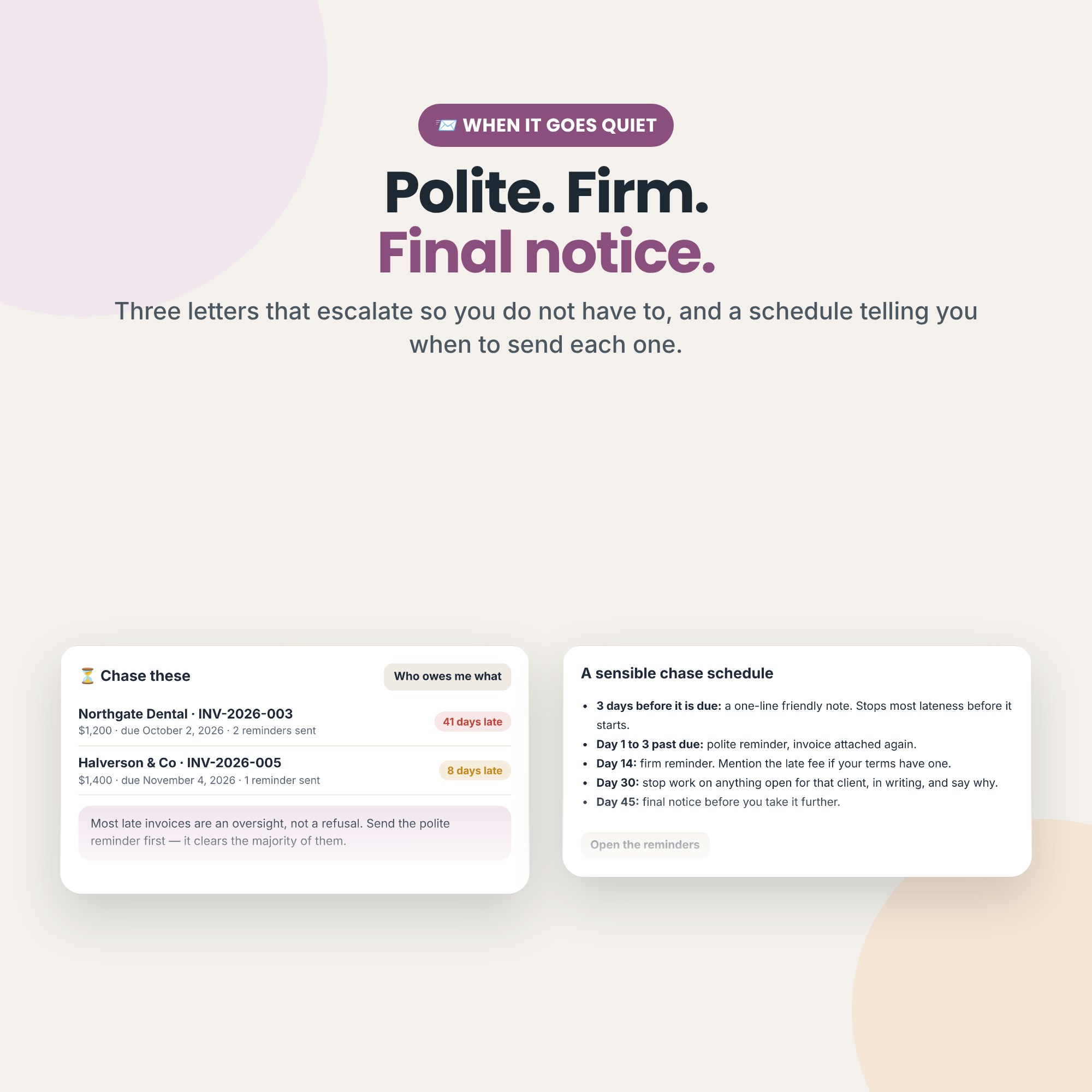
- Three payment reminders — polite, firm, and a final notice. Pick an invoice and the right stage is chosen for you based on how late it is.
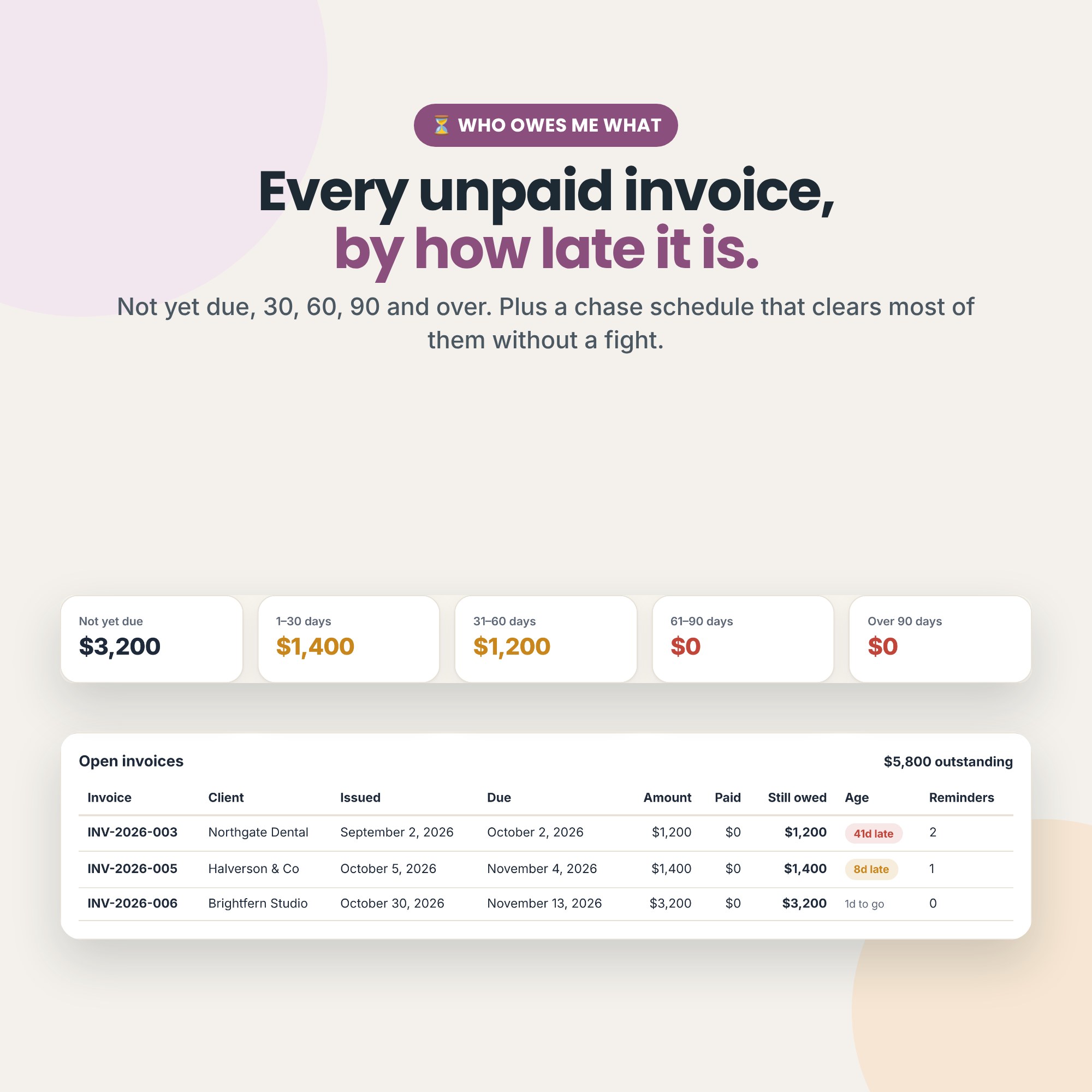
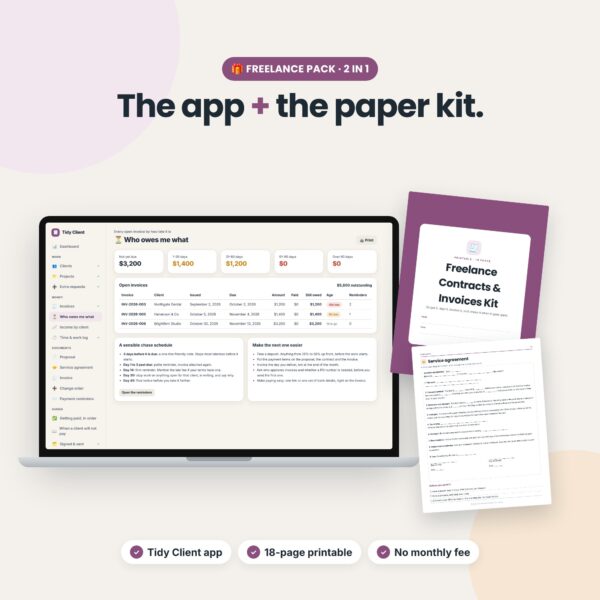
⏳ Who owes me what
Every open invoice grouped by how late it is: not yet due, 1–30, 31–60, 61–90 and over 90 days. Plus a chase schedule that clears most of them without a fight.
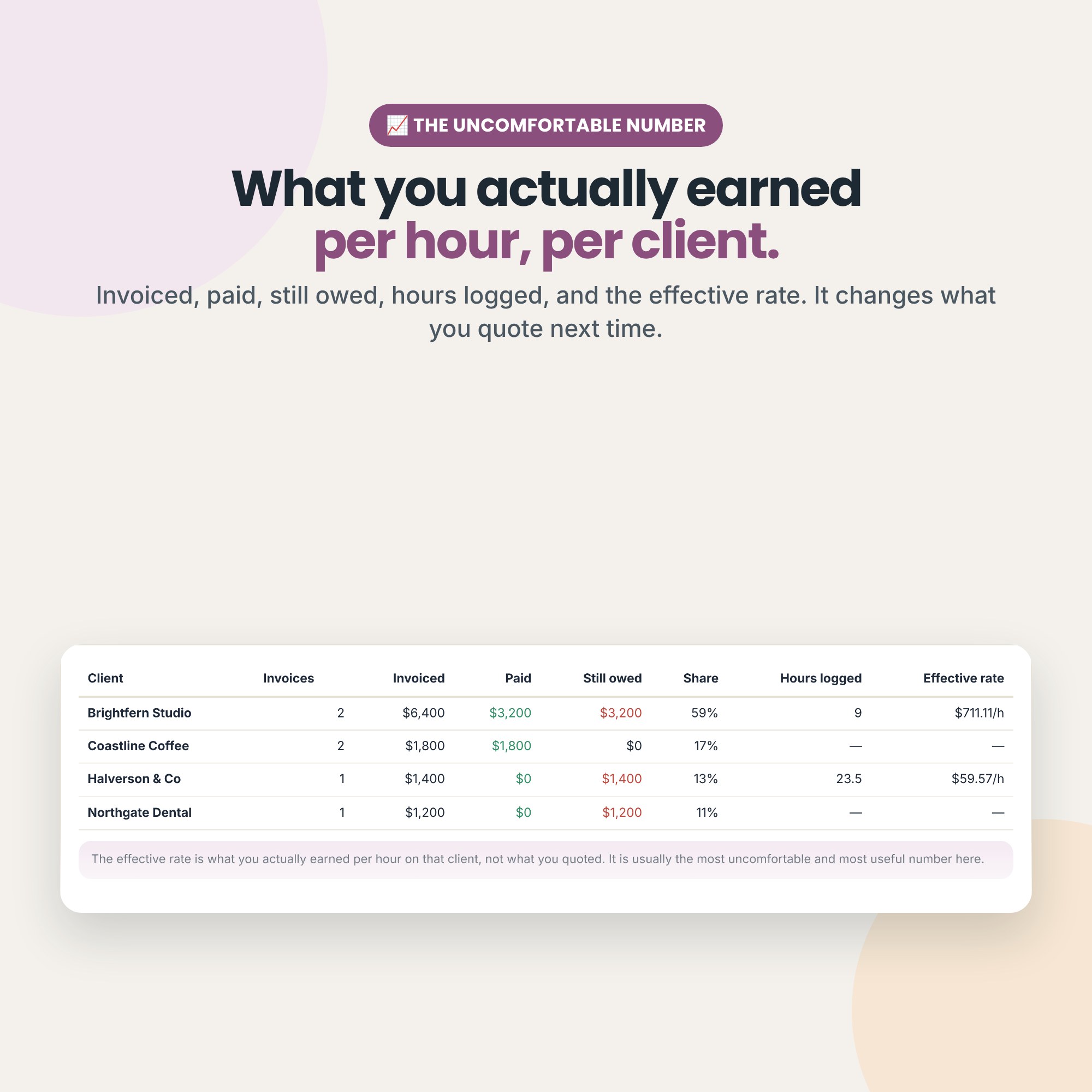
📈 The uncomfortable number
Income by client: invoiced, paid, still owed, share of your total, hours logged, and the effective hourly rate — what you actually earned, not what you quoted. If one client is more than half your income, it tells you.
➕ Scope creep, counted
A log for every “could you just…”. Absorbing one as goodwill is a choice. Absorbing six without noticing is how a profitable job becomes a loss.
📋 Also inside
- Clients with rates, terms and whether a PO number is needed
- Projects with the scope and what is excluded
- Time & work log, billable and invoiced flags
- Signed & sent: where every signed copy lives
- Getting paid, in order and When a client will not pay, in plain English
- Light and dark mode
How it works
- You get a single file that opens in your web browser (Chrome, Edge, Firefox or Safari) on Windows, Mac or Chromebook.
- No account, no subscription, no install. Works offline.
- Your data stays on your computer. Nothing is uploaded.
- Download a backup file any time. Optional passcode lock with AES-256 encryption.
- Best on a computer. Most phones can’t open downloaded app files.
What you get
- Tidy-Client.html (the app)
- Quick-start guide (PDF)
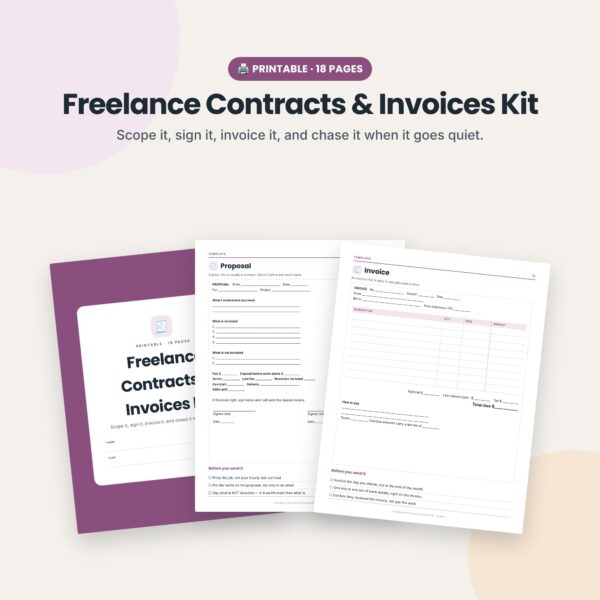
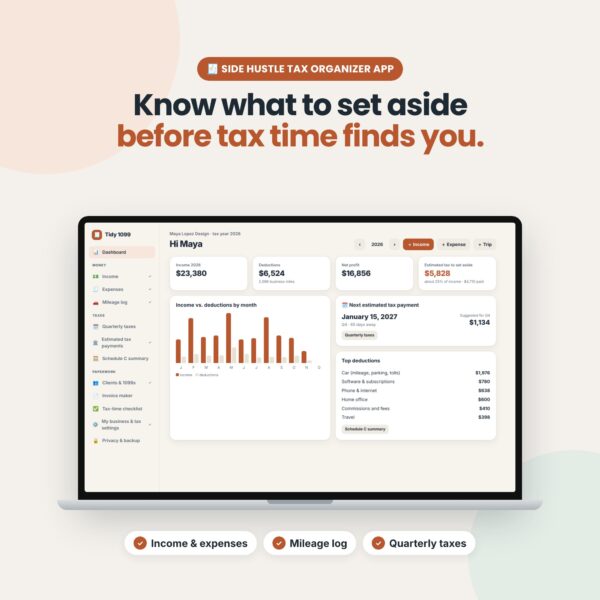
Want paper too? Get the printable Freelance Contracts & Invoices Kit, or save with the Freelance Pack. Doing your taxes too? See Tidy 1099.
Reviews
There are no reviews yet.